Photos & notes
Pictures and notes stay with the job and the equipment, not in someone’s phone.
Equipment
See previous jobs, parts used, photos, notes, PM history, and what happened last time. Every new job adds to the equipment’s history.
What you can keep on the unit
Stop sending the next technician in blind
Pictures and notes stay with the job and the equipment, not in someone’s phone.
Completed jobs keep a record of which part was used and what it cost at the time.
Schedule preventive maintenance around the equipment. Completed PM work stays in its history.
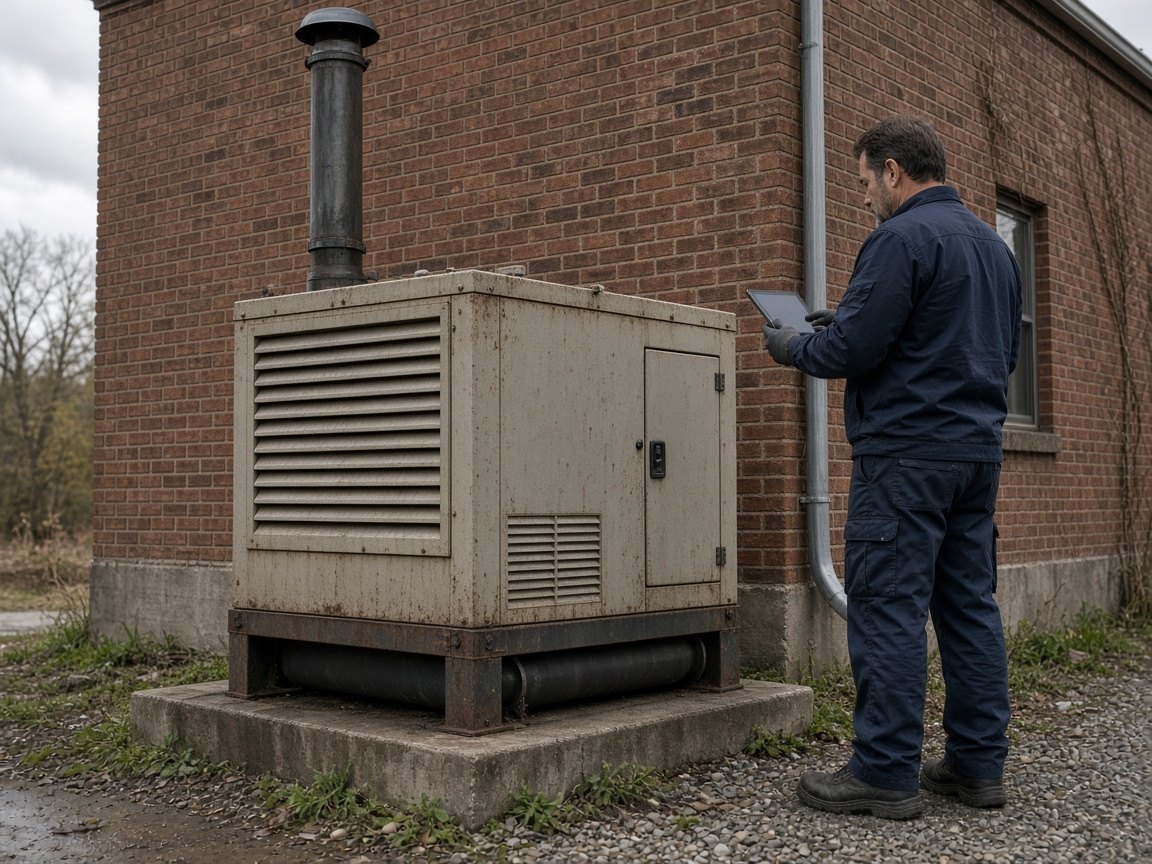
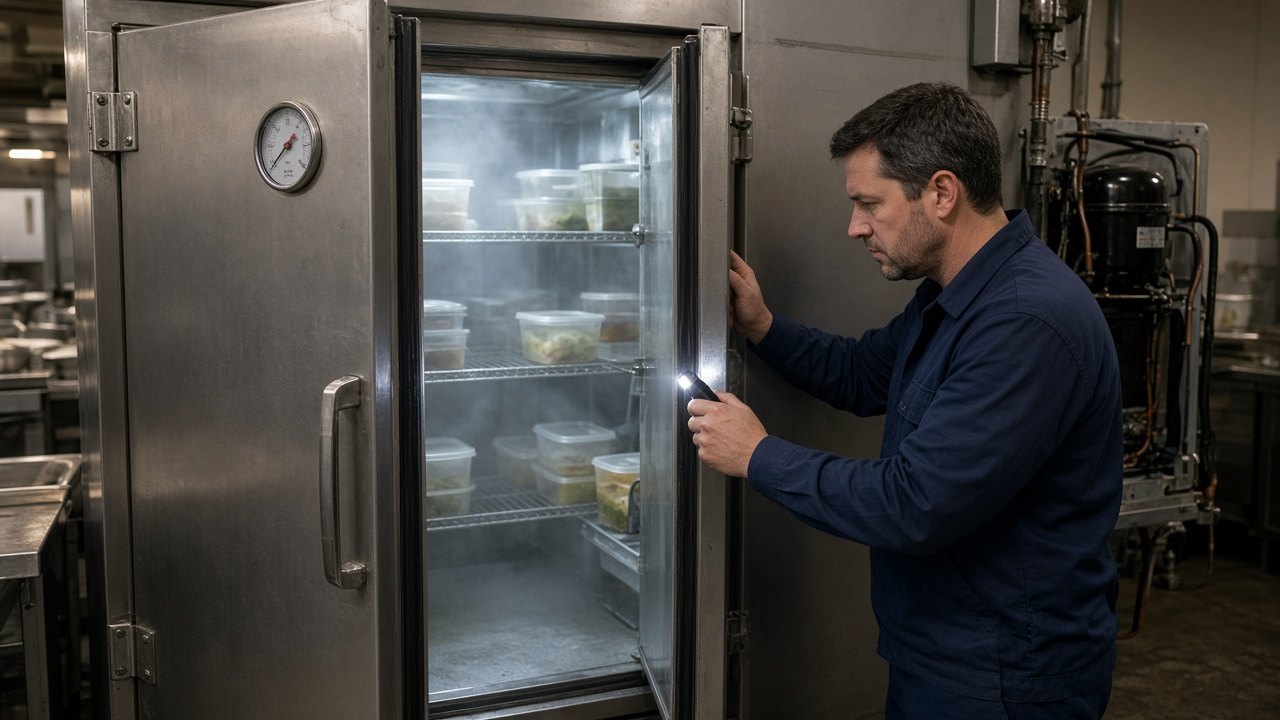
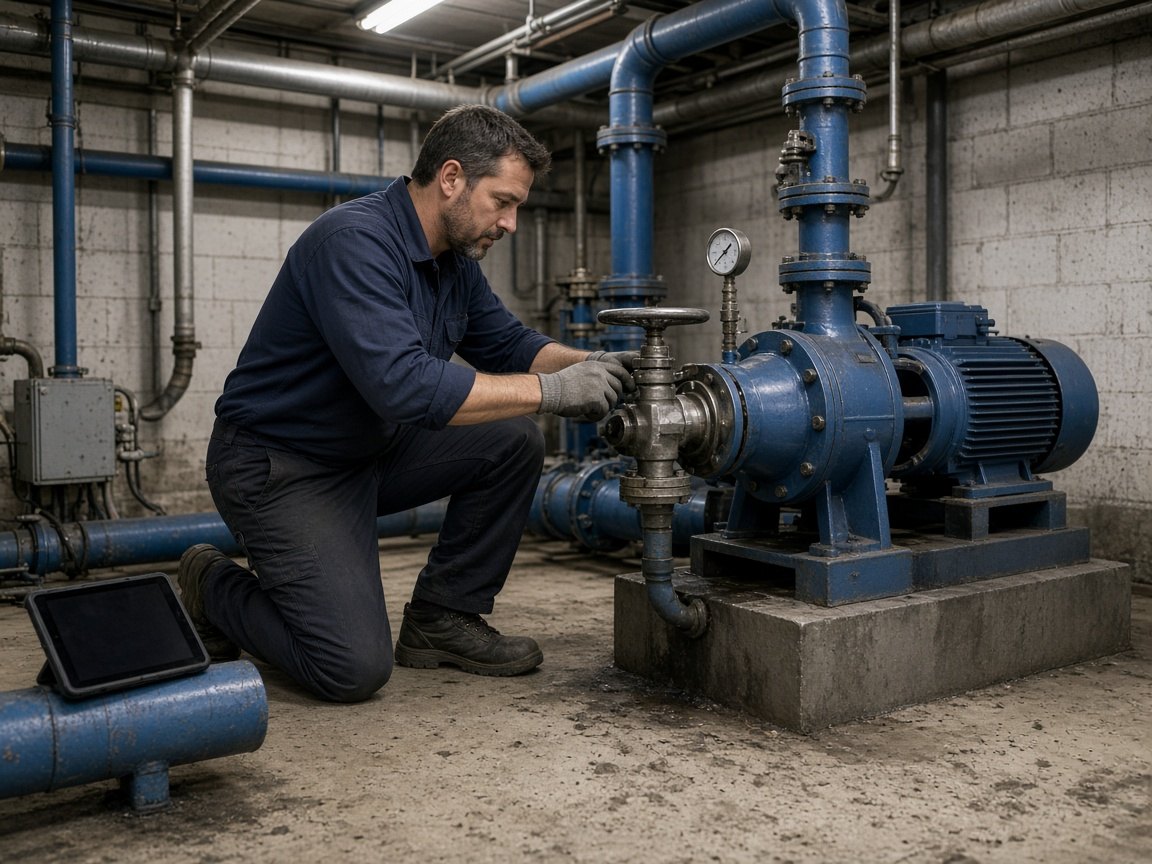
Labeled example. This is the kind of history a team can keep on one building generator. Opening a record from a QR code on the equipment is a future direction, not a feature you can use today.
Service history
Previous repairs stay with the equipment.
This building generator keeps the last repair when it would not start, the winter service, and the load test. Closing the job does not erase them.
Preventive maintenance
Next maintenance is already on the unit. When the visit is done, it stays in the history.
Parts
The part used on the last repair stays with this generator, along with filters kept on site.
Labor
Hours stay with the job and the equipment. The next person can see who worked it last.
Documents
Install packets, photos, and service files stay on the record instead of disappearing into someone’s inbox.
Photos
The generator, the part that was replaced, and the last arrival at the building stay with the equipment.
Notes
Where the unit sits. Which building it backs up. What to watch after a long run.
Schedule the work, give the technician what they need, and keep the result on the equipment.