Features
What Wrench Cove can do.
The work stays connected to the equipment. Customers, locations, jobs, labor, parts, PM, and documents become permanent history — not another closed ticket.
How the product is organized
Every feature hangs off the same chain.
If a capability does not help this path, it is not the point of Wrench Cove.
- Customer
- Location
- Equipment
- Jobs
- Labor
- Parts
- PM
- Documents
- Permanent History
Service operations
Take the work from the ask to a finished job.
Requests become jobs. Jobs get a technician, a time, a checklist, and a close. The record stays with the equipment.
- Customer
- Location
- Equipment
- Jobs
- Labor
- Parts
- PM
- Documents
- Permanent History
-
Available
Service requests
Capture the ask before it is lost in a text or a sticky note.
-
Available
Work orders
Assign the job, track the status, and close it when the work is done.
-
Available
Scheduling
See who is going where, including the day view for technicians.
-
Available
Dispatch and assignment
New jobs can follow your routing rules, or wait for a dispatcher.
-
Available
Estimates
Price the work. An estimate can become a job.
-
Available
Job checklists
Keep the steps with the job. Completing the job expects the checklist.
-
Available
Labor on the job
Record hours on the job so labor stays with the equipment history. A running timer is not included yet.
-
Available
Job status automation
When a technician starts or finishes, the job status can follow.
Equipment & maintenance
Keep the history with the equipment.
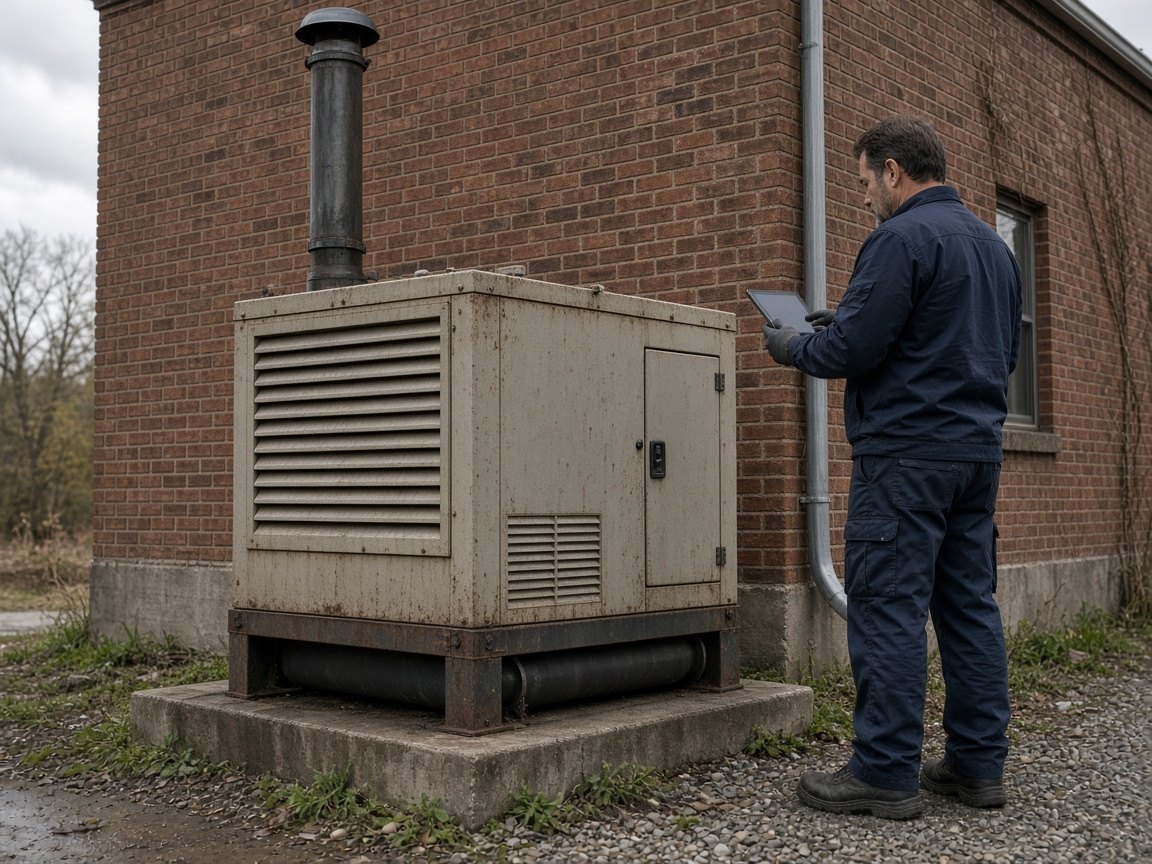
The next visit should not start from a blank page. Previous jobs, parts, photos, notes, and PM stay on the unit.
- Customer
- Location
- Equipment
- Jobs
- Labor
- Parts
- PM
- Documents
- Permanent History
-
Available
Equipment records
Keep the unit, the nameplate details, and where it lives in one record.
-
Available
Permanent service history
When the job closes, the repair stays with the equipment.
-
Available
Customer, location, equipment
Know whose building it is, where the unit sits, and which equipment the job belongs to.
-
Available
Preventive maintenance
Schedule recurring maintenance around the equipment so due work does not slip.
-
Available
PM-generated jobs
When preventive maintenance is due, Wrench Cove can create the job.
-
Available
Photos
Pictures stay with the job and the equipment, not in someone’s phone.
-
Available
Documents
Keep manuals, nameplates, and job files with the record they belong to.
-
Available
Notes
Access details and service notes stay on the equipment for the next visit.
-
Planned
QR on the equipment
Opening a record from a code on the unit is a future direction, not something you can use today.


Parts & inventory
Use the part. Keep the history. Know what to reorder.
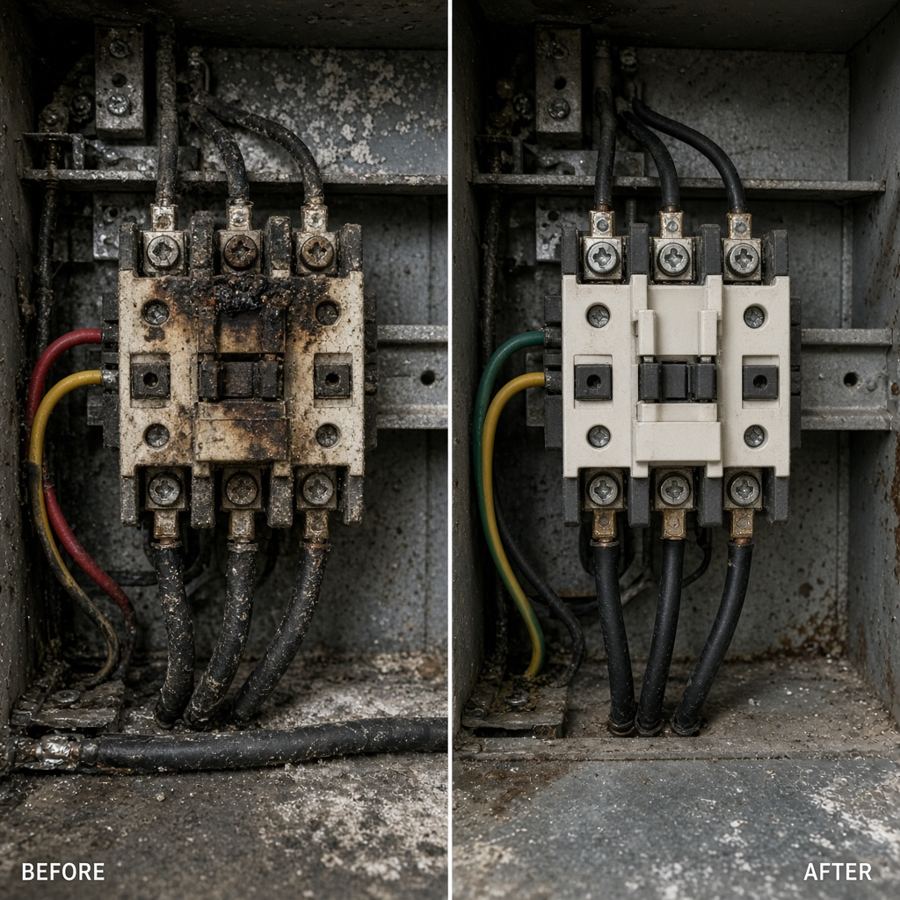
A technician records a part on the job. Stock at the site updates. The part stays on the equipment record. Purchasing can react.
- Customer
- Location
- Equipment
- Jobs
- Labor
- Parts
- PM
- Documents
- Permanent History
-
Available
Inventory by site
Track stock where your team actually keeps it — at each organization site.
-
Available
Part usage on jobs
Completed jobs keep which part was used and what it cost at the time of the repair.
-
Available
Automatic stock updates
When a part is used on a job, stock can update with it.
-
Available
Low-stock alerts
When stock runs to the reorder point, supervisors can be alerted.
-
Available
Reorder points
Set the level that means a part needs attention before stock runs out.
-
Available
Vendors
Keep the suppliers you buy from with the parts and purchase orders that use them.
-
Available
Purchase orders and receiving
Approve a PO, receive the quantity, and update stock at the site.
-
Available
Parts on the equipment
See what has already been installed on this unit before you order another one.
Customers & locations
Know where the work belongs — a customer site or your own facility.
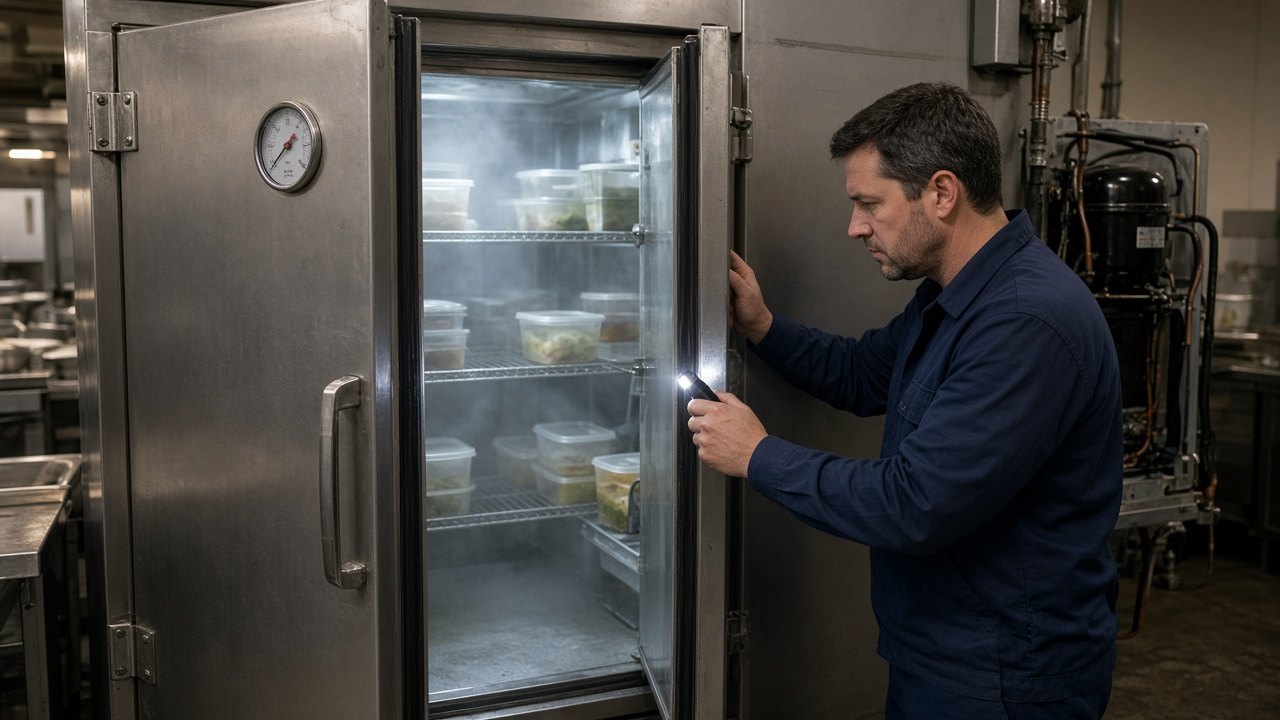
Customers, contacts, and service locations stay separate from your own organization sites. Equipment and history hang off the place they belong. Internal teams can skip customers entirely.
- Customer
- Location
- Equipment
- Jobs
- Labor
- Parts
- PM
- Documents
- Permanent History
-
Available
Customers
Keep the account the work is for — the business or property you service.
-
Available
Contacts
Store the people to call at that account without losing them in a job note.
-
Available
Service locations
The building or job site where the equipment lives and the technician arrives.
-
Available
Organization sites
Your own branches or yards. They are not customer locations, and they are how site limits work.
-
Available
Equipment at each location
See the units that belong to a building before anyone rolls.
-
Available
History at the place
Previous work at a location stays findable when the next request comes in.
Team & automation
Give people the right work, and take busywork off the team.
Four roles. Routing defaults. Notifications when work is critical, stuck, or finished. PM jobs and inventory updates can happen without another form.
- Customer
- Location
- Equipment
- Jobs
- Labor
- Parts
- PM
- Documents
- Permanent History
-
Available
Roles
Requester, technician, supervisor, and admin — each person gets the access they need.
-
Available
Routing defaults
New jobs can go to the right technician, or wait for a dispatcher.
-
Available
In-app notifications
The right people can see when work is assigned, stuck, or finished.
-
Available
Supervisor notifications
Supervisors can be notified when work is critical, overdue, or waiting.
-
Available
Email notifications
Wrench Cove can email the team when a request arrives, a job is assigned, or a status changes.
-
Available
Automatic PM jobs
Due preventive maintenance can create the work order.
-
Available
Automatic inventory updates
Using a part can drop stock and flag a reorder without a second spreadsheet.
Reporting & administration
See what needs attention, and keep the operation tidy.
Open work, overdue work, labor, parts used, low stock, and asset history. Import existing records. Point integrations at the systems you already run.
- Customer
- Location
- Equipment
- Jobs
- Labor
- Parts
- PM
- Documents
- Permanent History
-
Available
My Day
Technicians can see the work in front of them today.
-
Available
Reports
Open work, overdue work, labor, parts used, low stock, and asset history.
-
Available
Activity history
Important changes leave a trail so you can see what happened on a record.
-
Available
Imports
Bring existing records in from a spreadsheet instead of typing the whole book.
-
Available
Settings
Company options, automation defaults, and the fields your team actually uses.
-
Planned
Inspections
A dedicated inspection workflow is not in the product yet.
-
Planned
Recommendations
Suggested follow-up work is a future direction, not something we treat as live.
-
Planned
Customer invoicing
Creating and sending invoices from Wrench Cove is not available yet.
See how it connects, and what each plan includes.
Integrations are listed only when we can say honestly whether they are available or still planned.